Essential Skills for Music Production & Remixing in Ableton Live.
You want to start making music but you’re not sure where to begin. There’s an overwhelming amount of tutorials, forums, and free content online – but no clear path from “I just downloaded Ableton” to actually creating something you’re proud of.
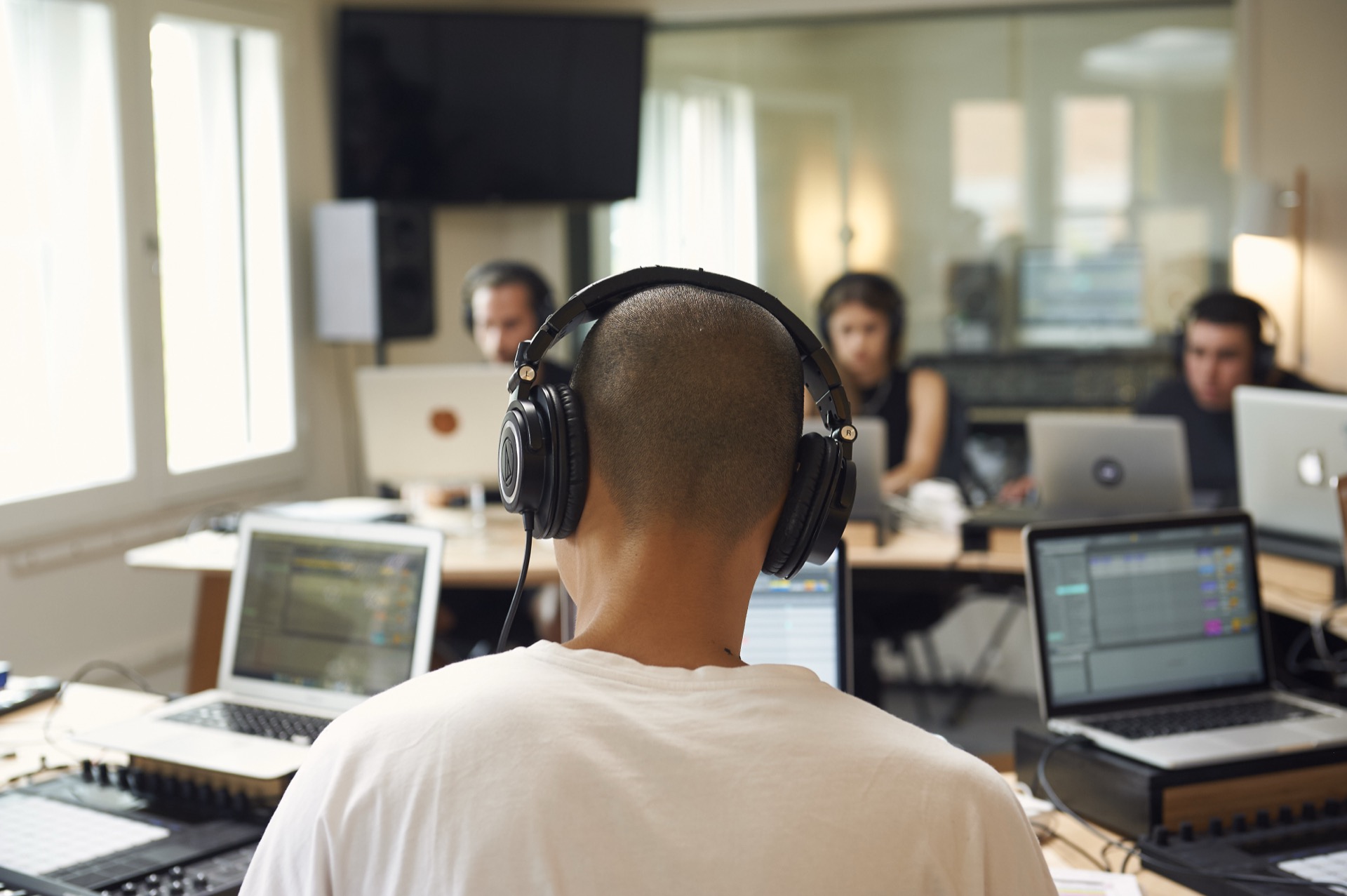
Foundations is Liveschool’s entry-level course in Ableton Live and music production. Over 12 weeks, you’ll progress through three modules – Begin, Remix, and Create – building core skills in a structured sequence with small-group classes and 1:1 mentorship from working producers.
By the end, you’ll be fluent in Ableton Live and confident enough to create and experiment freely – working with audio, MIDI, effects, drum production, harmony, sound design, and mixing. You won’t have finished full songs yet, but you’ll have the skills and the confidence to start.
What makes this different from a YouTube tutorial or a community college workshop? Structure, mentorship, and accountability. You’re learning in a class of 10 with an expert producer, then switching to 1:1 mentoring on your own projects. It’s the difference between watching someone cook and learning to cook.
Foundations is also the first module of Produce Music – Liveschool’s complete production course. If you start here and want to keep going, everything you’ve learned and paid carries over. Many students use Foundations to test the waters before committing to the full course.


What You’ll Learn
Ableton Live fundamentals (Begin)
Get oriented in Ableton Live — session setup, navigation, the browser, audio and MIDI tracks, basic recording, and the core workflows you’ll use in every project from here on.
Audio, MIDI, and effects (Remix)
Work with audio and MIDI clips, apply effects creatively, learn basic arrangement techniques, and remix existing tracks — building the production vocabulary you’ll need for original work.
Drum production and rhythm
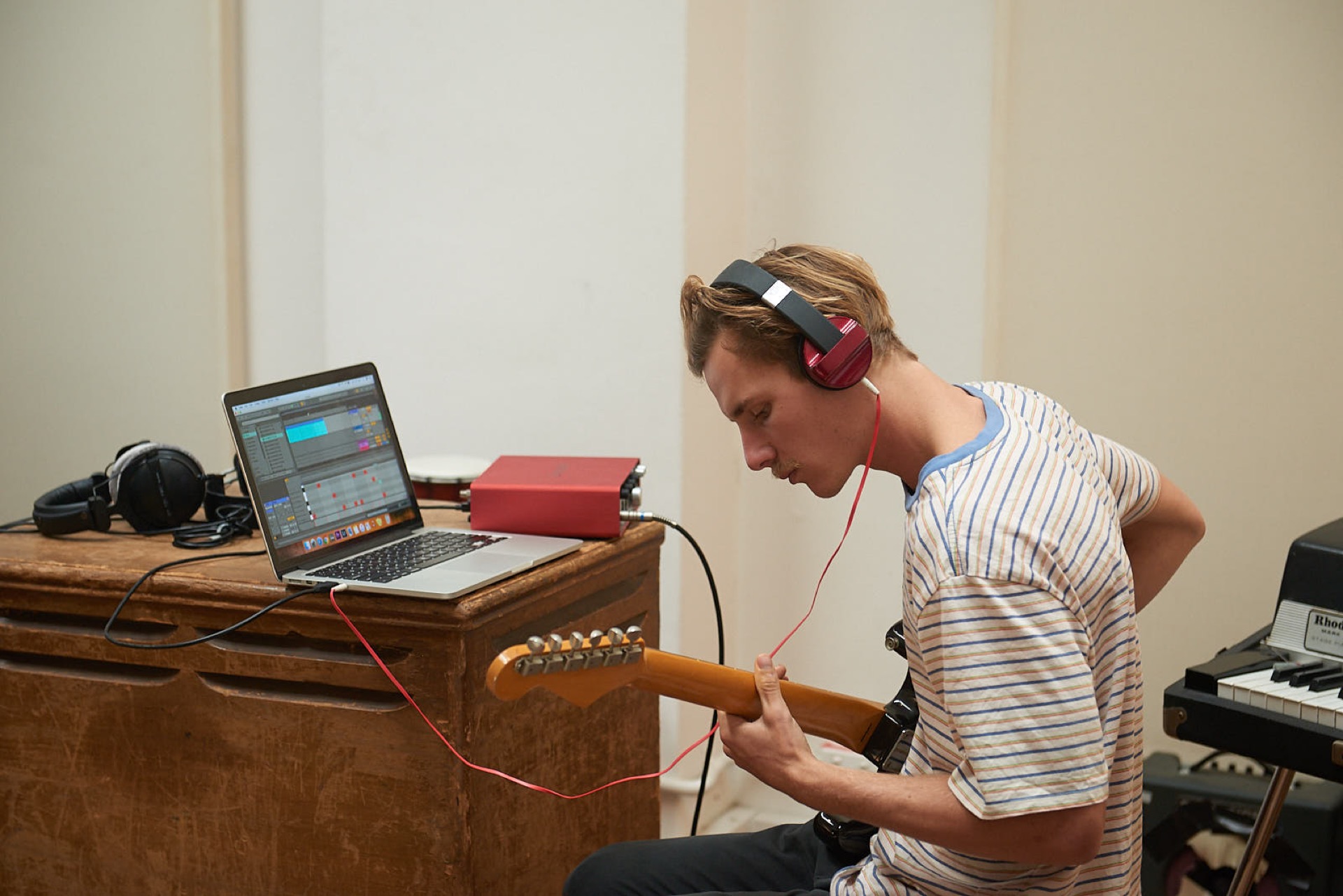
Program drum patterns, build beats from scratch using Ableton’s Drum Rack, and develop your sense of groove and rhythm across different genres.
Harmony and music creation (Create)
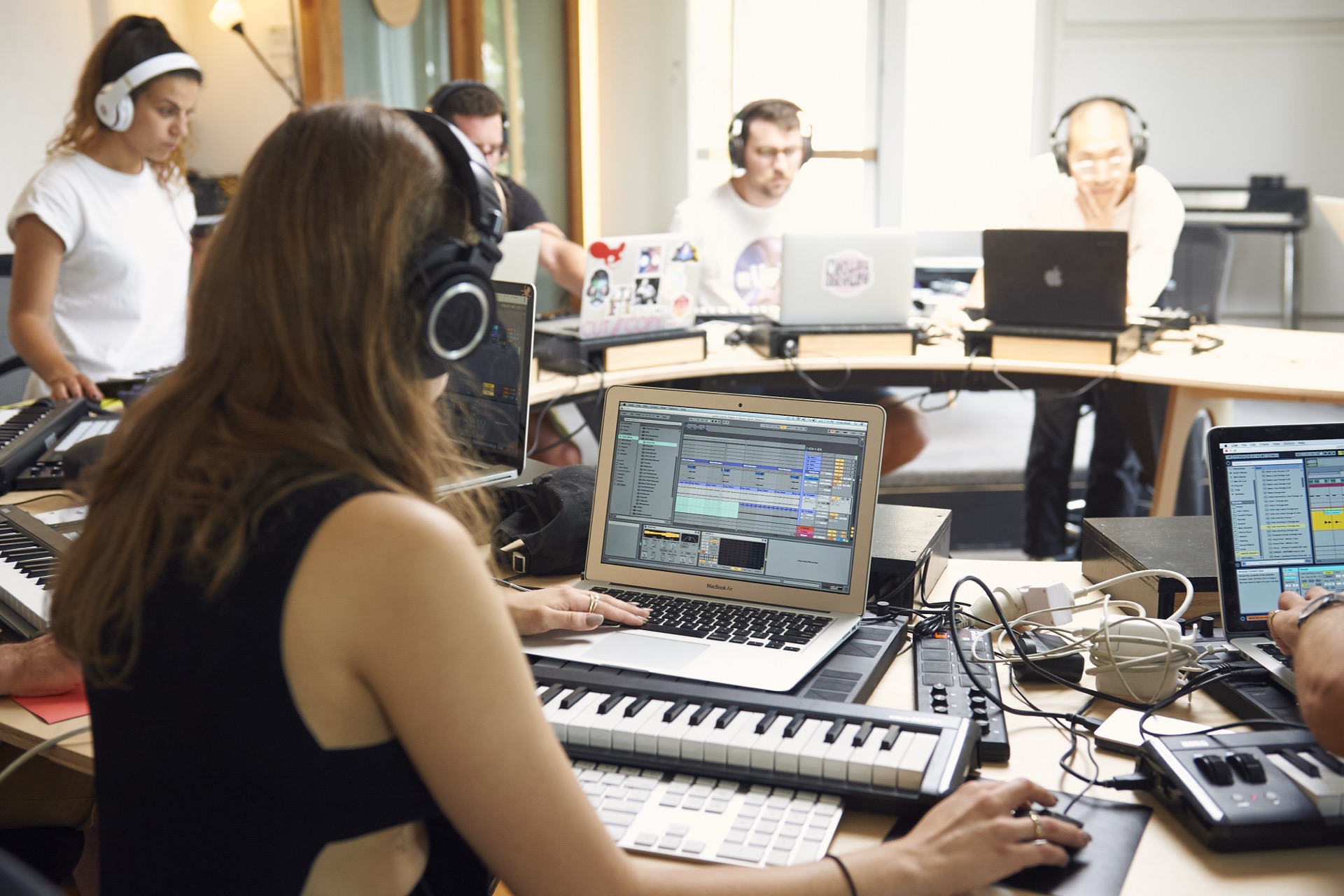
Learn foundational harmony — scales, chords, and progressions — and start creating your own melodic and harmonic ideas using Ableton’s instruments.
Sound design basics
Get an introduction to synthesis and sound design — enough to start shaping your own sounds rather than relying entirely on presets.
Mixing fundamentals
Learn the basics of mixing — levels, panning, EQ, and effects — so your projects sound balanced and intentional rather than rough and muddy.
How the Course Works
3 Guided Modules
Progress through Begin, Remix, and Create in a clear sequence that builds your confidence step by step in Ableton Live and music production.
Small-Group Classes
Learn in classes of up to 10 students with an experienced producer, so you can ask questions, get support, and stay on track.
Hands-On Learning
Work directly in Ableton Live throughout the course — making beats, editing audio and MIDI, applying effects, and starting your own musical ideas.
1:1 Mentorship
After the core class weeks, you’ll receive personal mentor feedback on your own work, helping you consolidate what you’ve learned and build confidence.
Course Details
Duration
Part-time: 8 weeks of classes + 3 weeks of mentoring. Full-time: 2 weeks of classes + 3 weeks of remote mentoring.
Class Size
Maximum 10 students
Attendance
Join in-studio in Sydney or online. You can switch between in-studio and online at any time.
Progression
Foundations is the first stage of Produce Music. If you continue into the full course, your fees and progress carry over.
Choose a Start Date
Foundations is for anyone starting out – whether you’ve never opened a DAW before or you’ve been dabbling on your own and want structured guidance to actually make progress. You don’t need any music theory, technical background, or previous production experience. If you can use a computer, you can take this course.
Already producing in another DAW? Foundations is also a great way to switch to Ableton Live with proper guidance rather than figuring it out alone. If you’re already comfortable in Ableton and have projects underway, you probably don’t need Foundations – our Focus Series picks up where this course leaves off.
FAQ’s
No prior experience in music or advanced technology skills are necessary. Basic computer skills (navigation, opening, saving, etc) are enough to get started. The course covers everything else you’ll need.
Just two things are required:
- A copy of Ableton Live. First-time users can access a free 30-day license, and when you’re ready to purchase, you’ll receive a 50% discount.
- A standard pair of wire-connected headphones (not Bluetooth-only).
A laptop is useful, but if you only have a desktop, we can provide a laptop on-site. While you’ll explore various equipment and plugins, you won’t need to purchase anything; you can create professional tracks with just Ableton Live and headphones.
We offer flexible options:
- Switch to an online session if you can’t attend in-person.
- Access detailed study resources at home if you miss a session. Discounted one-to-one sessions are available for in-person catch-ups.
- If you miss an entire module, join a waitlist to retake it at a later date.
Yes, we offer flexible instalment plans. Begin with a deposit and pay the rest in manageable monthly instalments. For more details, follow the timetable links above. Note: some payment plans require early enrolment.
Foundations covers the first three modules of Produce Music – Begin, Remix, and Create. It gives you fluency in Ableton Live and the fundamental production skills. Produce Music continues with Sound Design, Music Theory, Arrangements, and Mixing & Mastering, taking you all the way to finished, release-ready tracks.
If you start with Foundations and decide to continue, your fees and progress carry over to Produce Music – nothing is lost.
Yes. All sessions are available live online – same trainers, same content, same mentorship. You can switch between in-studio and online any time.
The course is built around Ableton Live, which is most commonly used for electronic music – but the production fundamentals you’ll learn (audio editing, MIDI, effects, mixing, arrangement) apply across genres. We’ve had students go on to produce everything from hip-hop to ambient to film scores.