When Ableton’s Head of Hardware Drops By: Jesse Terry’s Push Masterclass at Liveschool
It’s not every day that the person who literally builds the future of music production walks into your classroom.
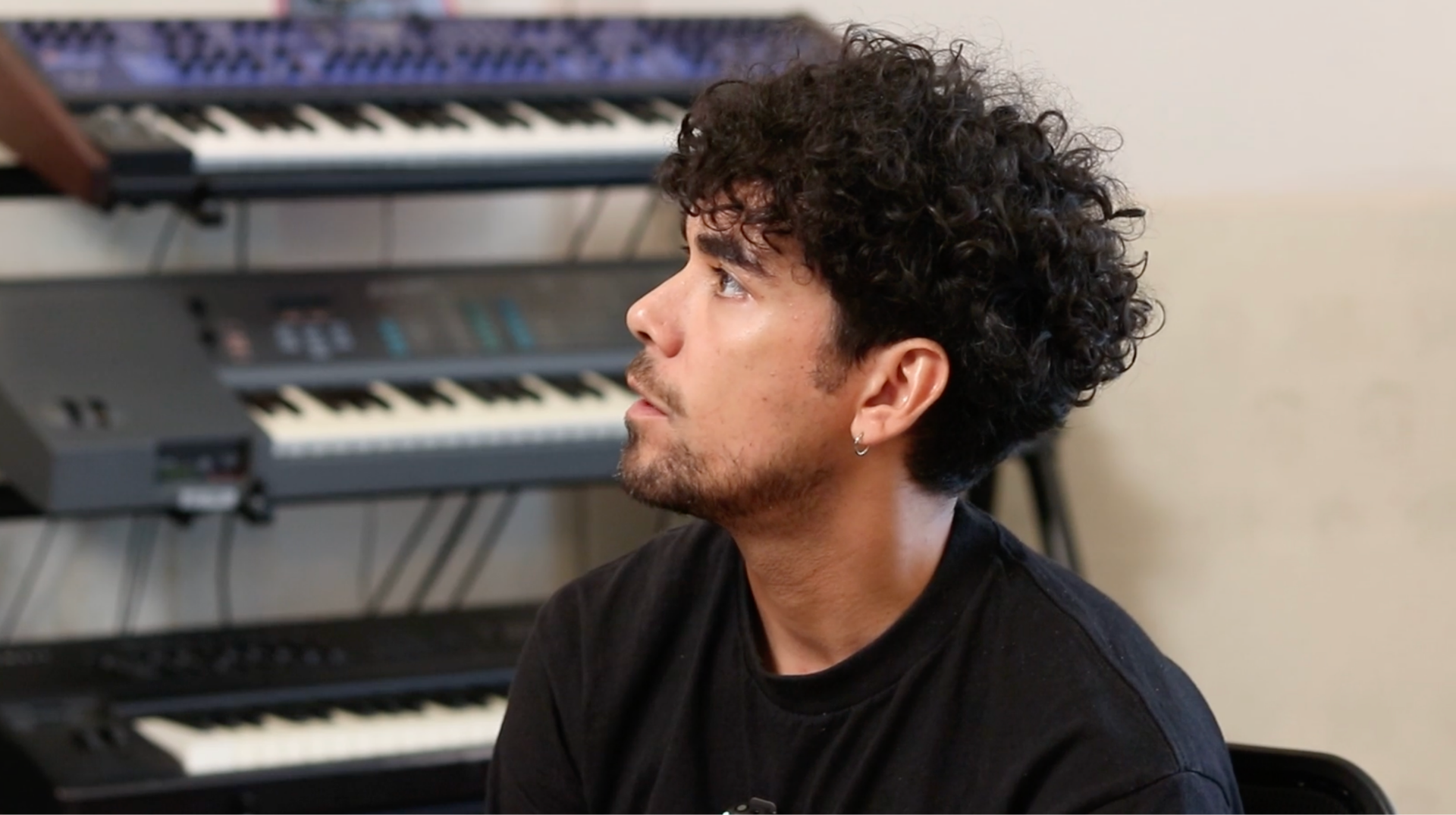
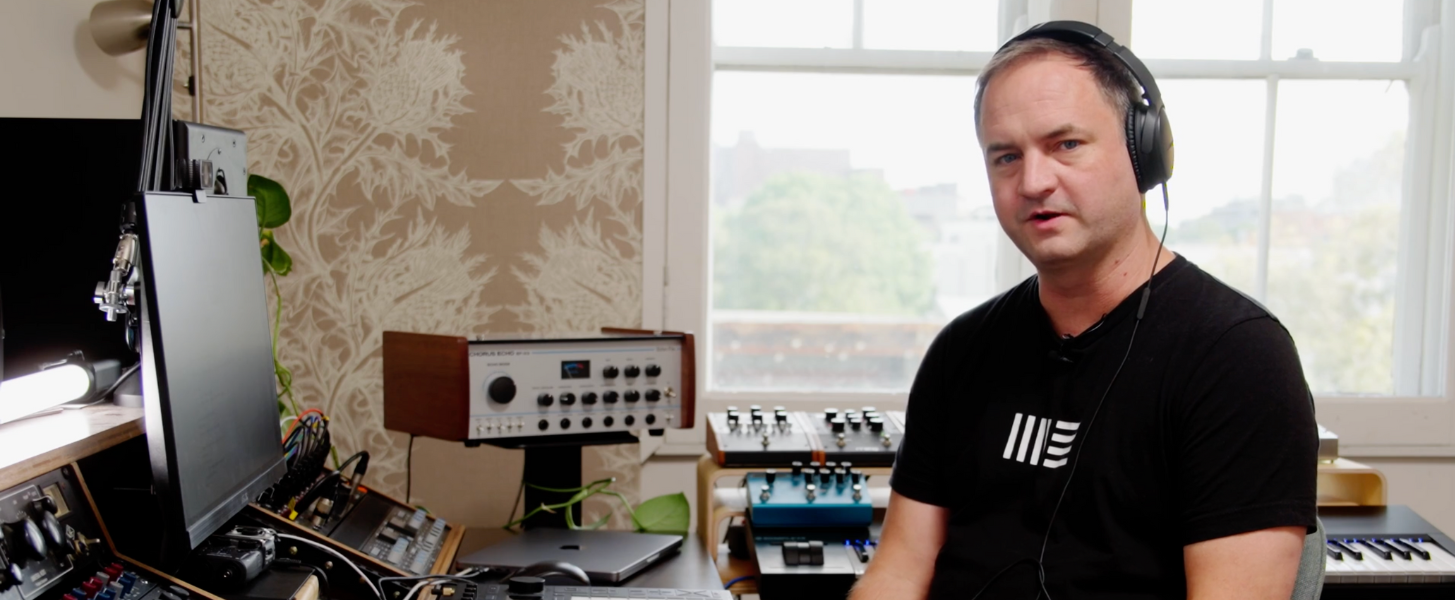
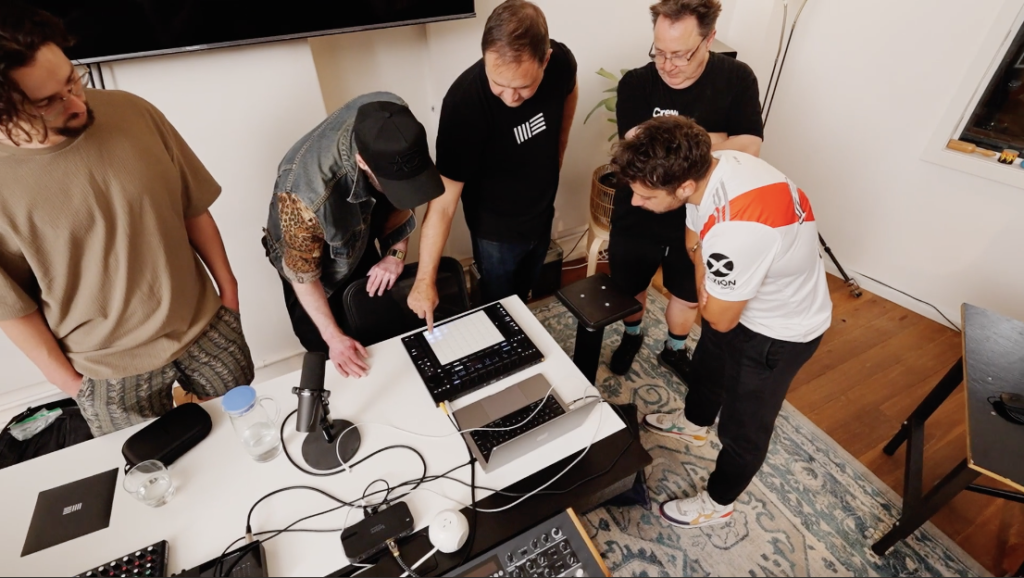
On October 13, 2025, Jesse Terry – Ableton’s Head of Hardware – joined us at Liveschool for an intimate masterclass that went deep into Push and the powerful new features arriving with Live 12.3. With just 10 participants (first in, best dressed), the session was less about watching a demo and more about experiencing the creative philosophy behind one of electronic music’s most expressive instruments.
More Than Just New Features
While anyone could watch a feature announcement video, this masterclass was different. Jesse didn’t just show us what Push can do – he shared the why behind it. How do you design an instrument that feels intuitive? What production workflows should hardware enable? How do you bridge the gap between studio precision and performance spontaneity?
These weren’t rhetorical questions. They were the foundation of a hands-on exploration into how Push thinks, and how thinking like Push can transform your creative process.
An Exclusive Tutorial, Straight from the Source
Stem Separation on Standalone: The Future is Portable
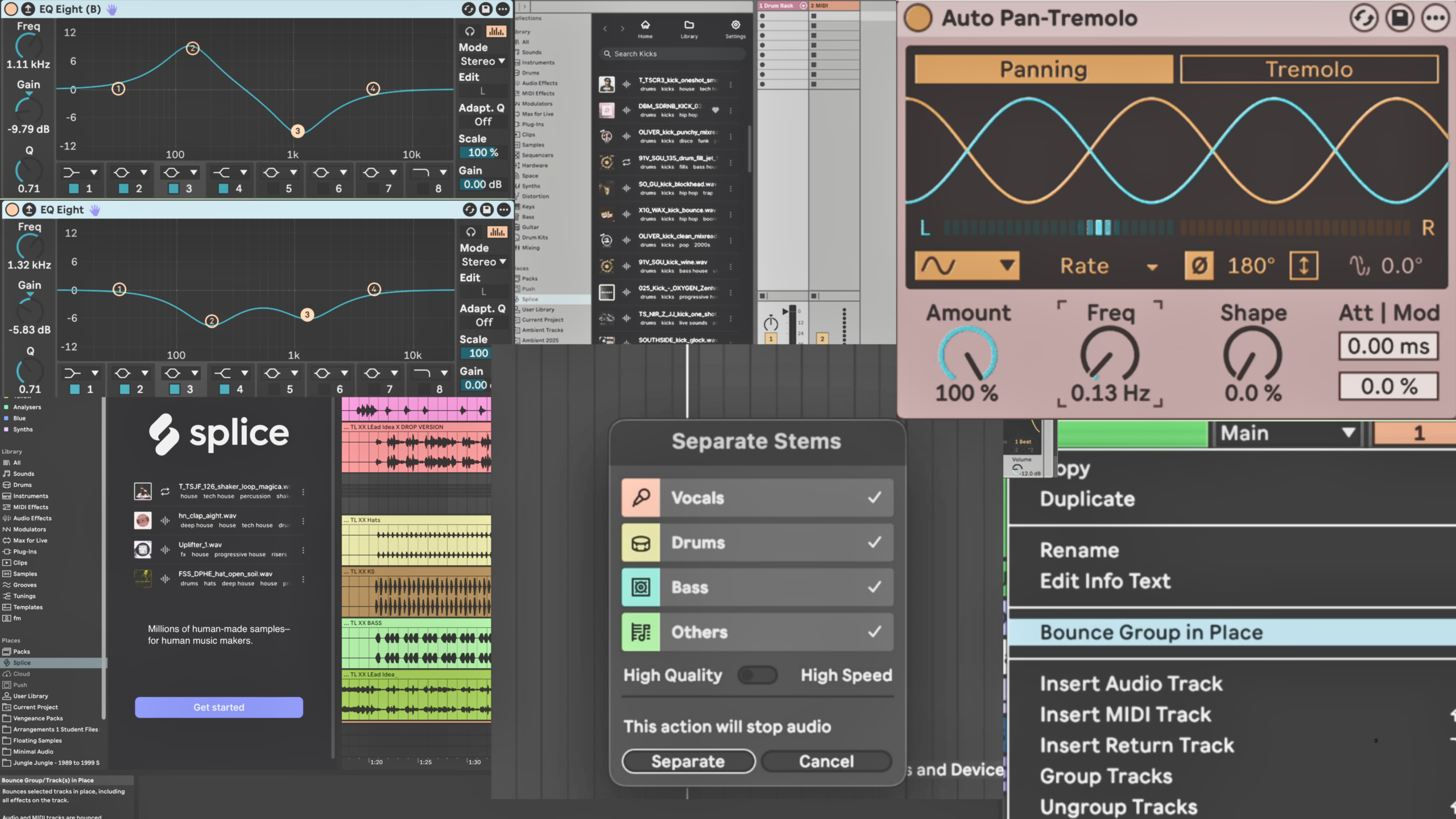
Remember when stem separation felt like magic reserved for desktop powerhouses? Now it’s living directly on your Push. Jesse demonstrates this with a vocal loop, isolating drums, bass, vocals, and other elements – all without touching a computer.
For samplers and remix artists, this is transformative. As Jesse puts it: “I have to go through my entire record collection again, because now I can sample within the song. I can take the drums from anything.”
Crop your loop, hit separate, and suddenly that one record you’ve been sitting on for years has four new lives. On. The. Hardware.Bounce Groups: Commit Without the Computer
Here’s a workflow win: group tracks can now be bounced to audio directly from Push when running Live 12.3. It mirrors the new Bounce Groups feature in Live itself, meaning you can commit your arrangement decisions, free up CPU, and keep moving- all from the hardware.
Less menu diving. Less back-and-forth. More flow.
XYZ Layout: Three-Dimensional Expression
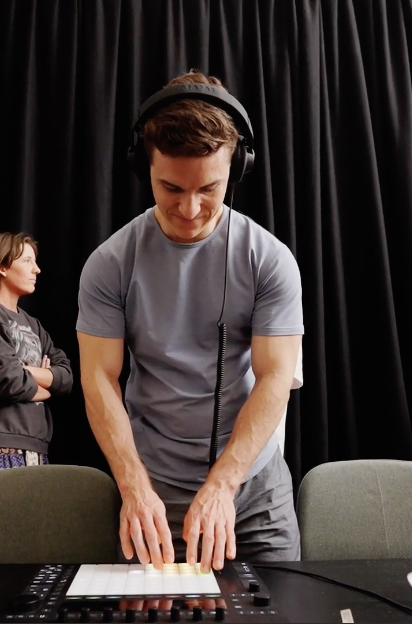
Push has always been expressive, but the new XYZ layout takes it to another level. Think of it as a Kaoss Pad built into your pads – where X, Y, and Z (pressure) all control different parameters simultaneously.
In the video, Jesse uses it for transition effects: gate control via pressure, filter sweeps on the X-axis, beat repeat glitches on the Y-axis. But the real power? You can map it to anything. Instruments. Effects. Your entire mix.
It’s three-dimensional control that makes Push feel less like a controller and more like a musical instrument you can shape sound with.
Expressive Chords: Play Like You Think
The Expressive Chords device (introduced in 12.2, now supercharged with Push’s capabilities) lets you play complex, musical chords from single notes. But here’s where it gets interesting: because Push’s pads are pressure and position-sensitive, you can strum those chords up or down just by hitting higher or lower on the pad.
Jesse cycles through different chord progressions, demonstrating how this turns Push into a performance instrument for non-keyboard players – or a rapid idea-generation tool for anyone. Load your own chord progressions from your tracks, and suddenly you’re performing your own songs with nuance you couldn’t get from a keyboard.
Rhythm Generator & Expressive Editing: Drums That Breathe
The new Rhythm Generator creates drum patterns on the fly by adjusting density, variation, and offset right from the pads. But Push doesn’t stop at generation – the expressive editing mode lets you adjust individual step velocities, create dynamic ramps, and add groove all through tactile interaction with the hardware.
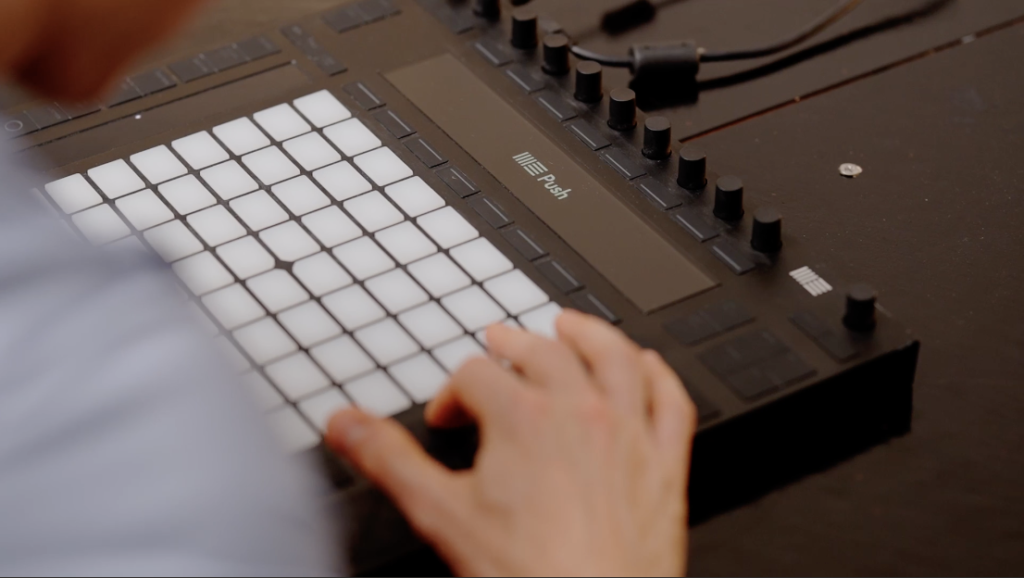
Your hi-hats can swing. Your kicks can breathe. Your patterns can evolve without ever opening a piano roll. The Bigger Picture: Design Thinking Meets Music Making
What made the masterclass special wasn’t just the feature showcase – it was understanding how these tools came to be. Jesse shared insights into the design decisions behind Push: why certain workflows matter, how hardware should feel, and what it means to build an instrument rather than just a controller.
These features aren’t arbitrary additions. They’re answers to real creative problems, built by people who actually make music.
This Is What Happens at Liveschool
Masterclasses with industry leaders like Jesse Terry. Hands-on access to cutting-edge technology. A community where 10 people can sit in a room with someone shaping the future of music production and ask, “Why did you build it that way?”
This is what happens when you’re part of Liveschool.
Want in on the next one?
Explore our music production courses or check out upcoming events and see what’s coming next.
Cool stuff happens here all the time. Don’t miss it.